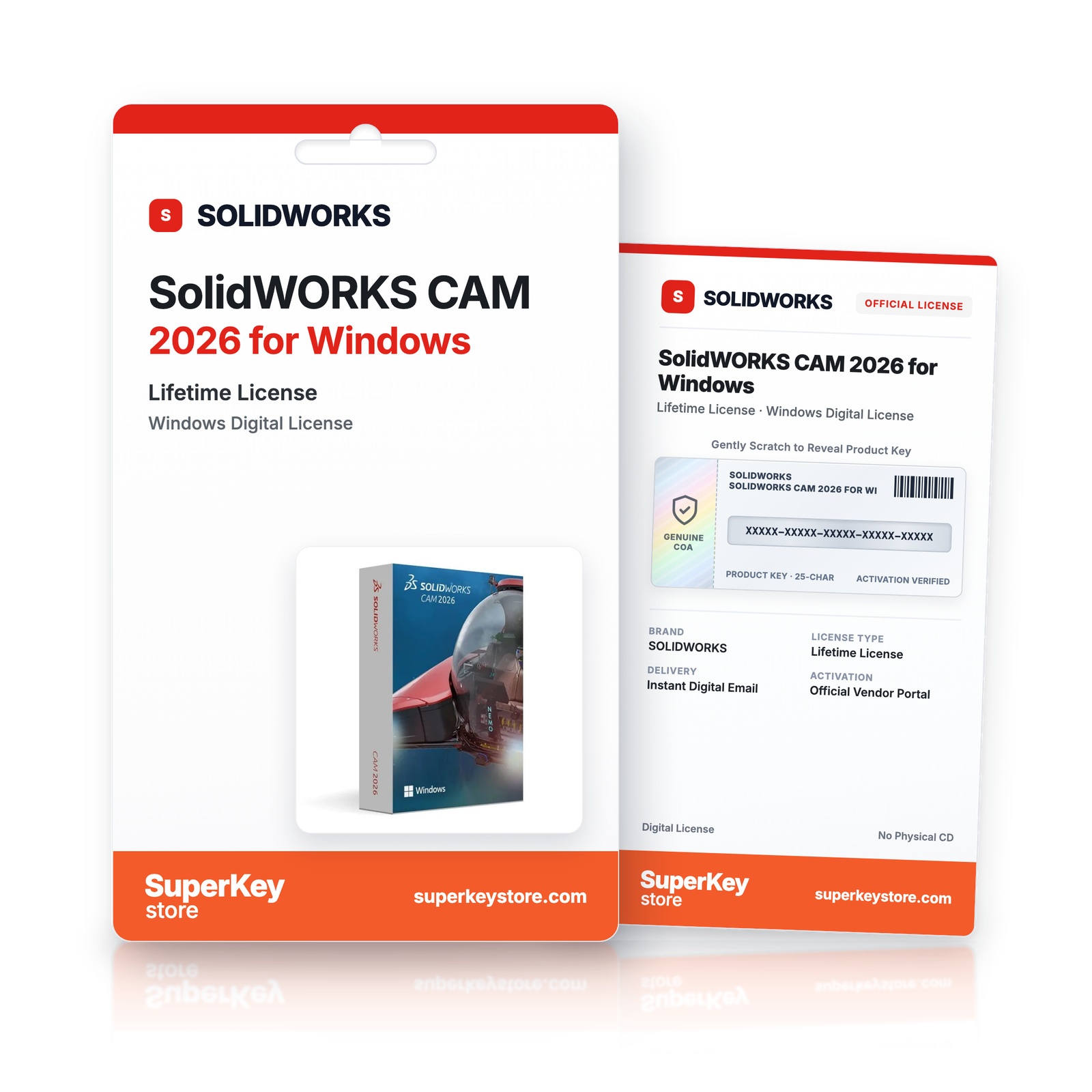
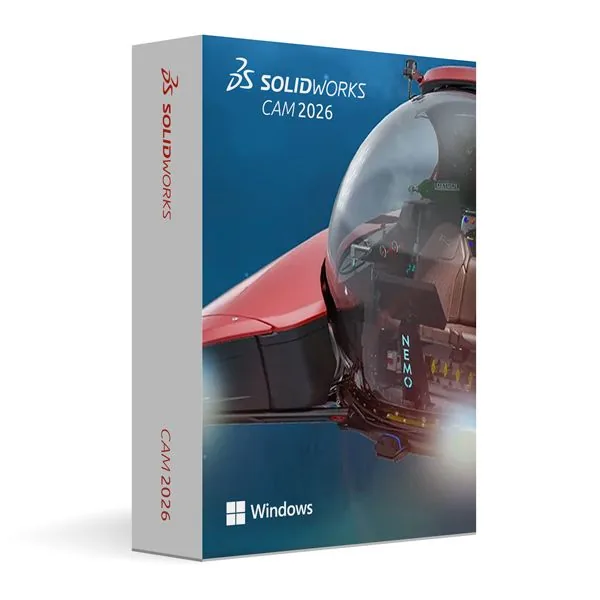

SolidWORKS CAM 2026 for Windows
2 635 Kč
Lees vóór je aankoop deze belangrijke informatie
In stock
Delivered by email, usually within minutes of payment
- Verkocht door:
- Regio:
- WERELDWIJD (EER / VK gecontroleerd)
- Licentie:
- Eeuwigdurende digitale licentie (EU-richtlijn 2009/24/EG)
- Talen:
- Alle talen inbegrepen
- Support:
- WhatsApp: +1 270 523 948610:00–17:00 CET (ma–zo)
Persoonlijk advies
Weet je niet welke licentie je nodig hebt? We helpen particulieren en bedrijven, nog voor je koopt.
Key Features
Buy SolidWORKS CAM 2026 License Key on SuperKeyStore: original product key, free technical support and a replacement-or-refund guarantee for faulty keys. Milling, drilling and turning toolpaths, rule-based machining and toolpath simulation inside the SolidWORKS 2026 design environment. Delivered by email, usually within minutes of payment.
Buy SolidWORKS CAM 2026
You get a SolidWORKS CAM 2026 license key, the download link and activation steps by email. SolidWORKS CAM 2026 is a computer-aided manufacturing add-in for SolidWORKS 2026 on Windows that creates milling, drilling and turning toolpaths directly from 3D models. No box or DVD is shipped.
| Detail | Value |
|---|---|
| Product | SolidWORKS CAM 2026 for Windows |
| Developer | Dassault Systèmes |
| Category | SolidWORKS |
| Platform | Windows |
| Delivery | License key and download link by email |
What does SolidWORKS CAM 2026 do?
SolidWORKS CAM 2026 creates CNC machining programs directly from SolidWORKS models. It works inside the SolidWORKS window, so designers and programmers do not switch to a separate CAM application. The software runs on Windows.
What are the main features of SolidWORKS CAM 2026?
SolidWORKS CAM combines toolpath creation, automation and verification. Its main features are:
- Milling and drilling: programs common operations for prismatic parts.
- Turning: creates toolpaths for lathe operations.
- Associative toolpaths: update automatically when the 3D model changes.
- Rule-based machining: saves machining strategies and reuses them on similar parts.
- Feature recognition: detects holes, pockets and other machinable features in the model.
- Toolpath simulation: shows the cutting sequence before any material is cut.
- Post-processing: outputs G-code for the machine controller.
Why is integrated CAM useful?
Integrated CAM reduces errors because design and manufacturing share one model. A design change does not require new data export. Rule-based strategies keep results consistent in batch production. Simulation helps find collisions and wrong tool paths early, which saves material and machine time.
What is the difference between SolidWORKS CAM and SolidWORKS Standard?
SolidWORKS Standard is the 3D CAD program for designing parts, while SolidWORKS CAM turns those parts into machining programs. The table summarises the roles:
| Product | Main purpose |
|---|---|
| SolidWORKS Standard 2026 | 3D part and assembly design, drawings |
| SolidWORKS CAM 2026 | CNC toolpaths for milling, drilling and turning |
Designers who still need the CAD program can choose SolidWORKS Standard 2026 for Windows. Autodesk users can compare Autodesk Inventor CAM 2026 for Windows.
Why buy SolidWORKS CAM 2026 from SuperKeyStore?
Buying SolidWORKS CAM 2026 at SuperKeyStore includes:
- Original license: an original SolidWORKS CAM 2026 license key, activated through Dassault Systèmes’s official activation.
- Platform: Windows.
- Email delivery: the license key and the official download link arrive by email, usually within minutes of payment (some orders get a security check of up to 24 hours).
- Free technical support: our team helps by email with installation and activation ([email protected]).
- Replacement or refund: if the key does not work, you get a working key or your money back, as set out in our Refund Policy.
How do you redeem your SolidWORKS CAM 2026 key?
You redeem the key in a few steps after the order email arrives. The redemption guide for SolidWORKS CAM 2026 is:
- Open your order email: it contains your serial number and download instructions.
- Download the SOLIDWORKS Installation Manager with the official link in your email.
- Run the installer, enter your serial number and choose the products to install.
- Start SOLIDWORKS and complete the online activation when asked.
Your key also stays in your order email and under My account.
Download & Activation
- Open the order confirmation email: it contains your product key and the download link.
- Download the software from the official manufacturer's website or the link in your email.
- Install the software and follow the on-screen steps.
- When asked, enter your product key to activate.
- Need help? Email [email protected] with your order number.
FAQ
How fast will I receive my product key?
Your key is sent by email, usually within minutes of payment. Some orders go through a short security check that can take up to 24 hours. Please also check your spam folder.
Is this a lifetime license or a subscription?
This is a one-time purchase. You pay once and can keep using the software without a subscription.
What if my key does not work?
Email us with your order number and a screenshot of the error. If the key is faulty, we send a replacement or refund you in full, as described in our Refund Policy.
Do I receive a physical box or DVD?
No. All our products are digital: you receive the product key and download instructions by email.
More questions? See our FAQ, Refund Policy or contact us.
- Free supportBy email
- Instant deliveryKey in minutes
- Secure paymentsEncrypted checkout
- Genuine licensesOfficial activation
- Working-key guaranteeReplacement or refund
Chosen for you
View all Autodesk AutoCAD Plant 3D for Windows (1-Year Personal Subscription)1 634 Kč 3 928 Kč+ Add
 Autodesk AutoCAD Electrical for Windows (1-Year Personal Subscription)1 634 Kč 3 928 Kč+ Add
 Autodesk Mudbox for Mac (1-Year Personal Subscription)1 634 Kč 3 928 Kč+ Add
 Ashampoo 3D CAD Architecture 12 Původní cena byla: 1 927 Kč.1 098 KčAktuální cena je: 1 098 Kč.+ Add
 Autodesk AutoCAD for Mac (1-Year Personal Subscription)1 634 Kč 3 928 Kč+ Add
Recenze
Zatím zde nejsou žádné recenze.