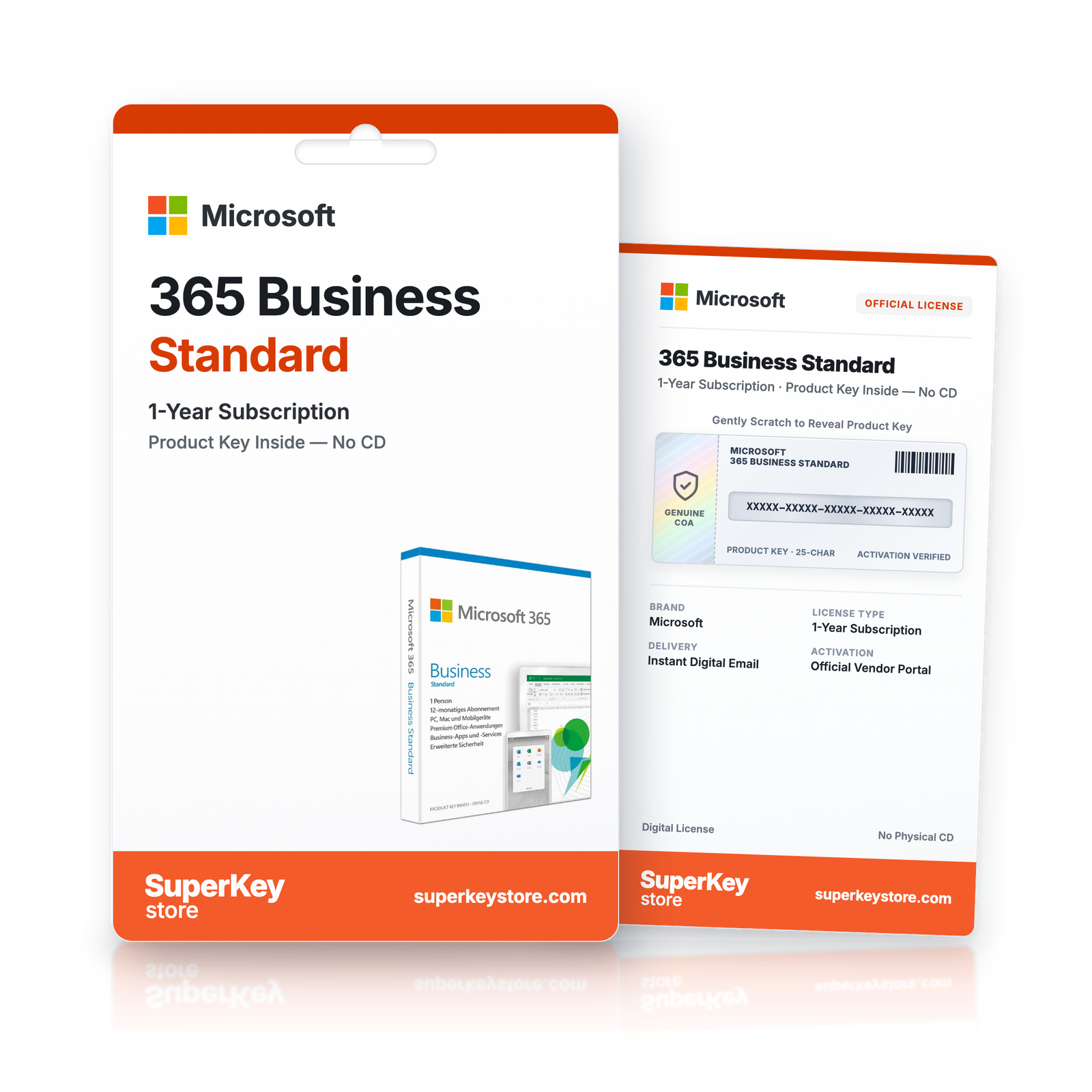
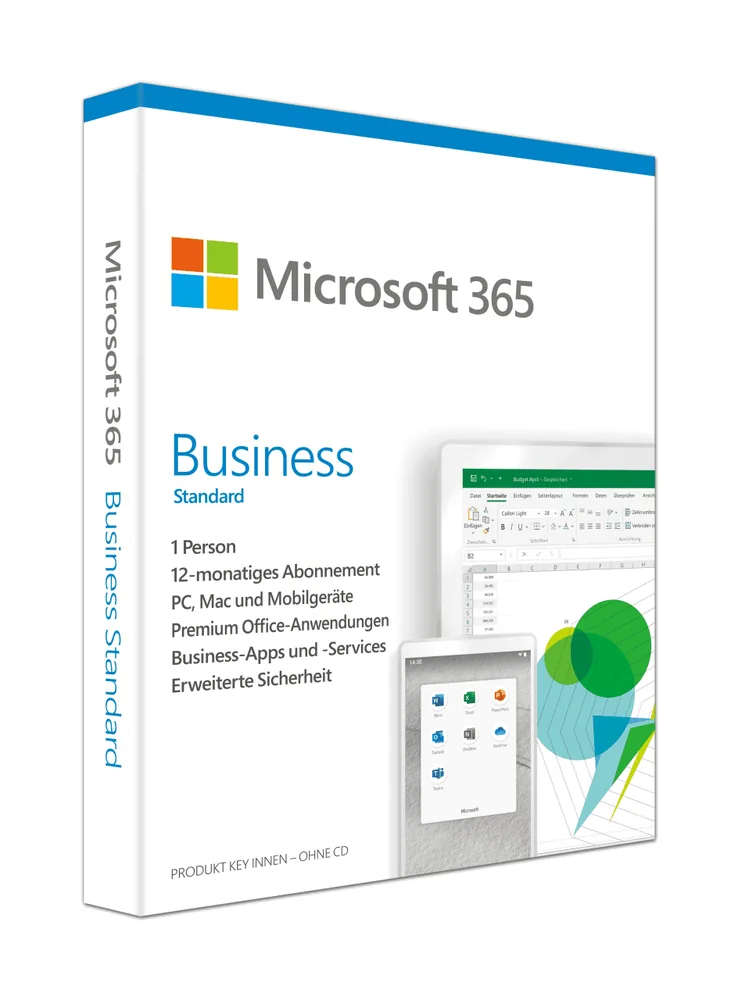

Microsoft 365 Business Standard
Původní cena byla: €168.98.€139.98Aktuální cena je: €139.98.-17% OFF
You save €29.00
Lees vóór je aankoop deze belangrijke informatie
In stock
Delivered by email, usually within minutes of payment
- Verkocht door:
- Regio:
- WERELDWIJD (EER / VK gecontroleerd)
- Licentie:
- Accountuitnodiging / digitaal abonnement
- Talen:
- Alle talen inbegrepen
- Support:
- WhatsApp: +1 270 523 948610:00–17:00 CET (ma–zo)
Persoonlijk advies
Weet je niet welke licentie je nodig hebt? We helpen particulieren en bedrijven, nog voor je koopt.
Key Features
Buy Microsoft 365 Business Standard License Key on SuperKeyStore: original product key, free technical support and a replacement-or-refund guarantee for faulty keys. Desktop Office apps on up to 15 devices per user, business email, Teams meetings and OneDrive and SharePoint file sharing. Delivered by email, usually within minutes of payment.
Buy Microsoft 365 Business Standard
You get a Microsoft 365 Business Standard license key, the download link and activation steps by email. Microsoft 365 Business Standard is a Microsoft 365 business subscription that combines installable Office apps with Exchange email, Teams, SharePoint and OneDrive for each user. No box or DVD is shipped.
| Detail | Value |
|---|---|
| Product | Microsoft 365 Business Standard |
| Developer | Microsoft |
| Category | Microsoft 365 |
| Delivery | License key and download link by email |
What is included in Microsoft 365 Business Standard?
Microsoft 365 Business Standard includes installable Office apps and cloud services for business. Each licensed user gets these parts:
- Office apps: Word, Excel, PowerPoint, Outlook and OneNote, with Access and Publisher on Windows PCs.
- Business email: Exchange mailbox with a custom domain and shared calendars.
- Microsoft Teams: chat, calls and online meetings.
- OneDrive and SharePoint: cloud storage and team sites for file sharing.
Which devices does Business Standard support?
Each user installs the Office apps on up to 15 devices. These include Windows PCs, Macs, iPads, Android tablets and most smartphones. The limit is five PCs or Macs, five tablets and five phones. Users always get the latest app versions during the subscription.
What is the difference between Business Standard and Business Basic?
Business Standard adds the installable desktop Office apps that Business Basic does not include. The table compares related plans:
| Plan | Desktop Office apps | Business email | Audience |
|---|---|---|---|
| Business Basic | No, web and mobile only | Yes | Businesses |
| Business Standard | Yes | Yes | Businesses |
| Microsoft 365 Family | Yes | No | Households |
Teams that only need web apps and email can choose Microsoft 365 Business Basic (NCE) Without Teams.
Who should use Microsoft 365 Business Standard?
It suits small and medium businesses with up to 300 users. Staff co-author documents in real time and work from any location. Administrators add users with step-by-step guides. Other plans are listed in the Microsoft 365 category.
Why buy Microsoft 365 Business Standard from SuperKeyStore?
Buying Microsoft 365 Business Standard at SuperKeyStore includes:
- Original license: an original Microsoft 365 Business Standard license key, activated through Microsoft’s official activation.
- Email delivery: the license key and the official download link arrive by email, usually within minutes of payment (some orders get a security check of up to 24 hours).
- Free technical support: our team helps by email with installation and activation ([email protected]).
- Replacement or refund: if the key does not work, you get a working key or your money back, as set out in our Refund Policy.
How do you redeem your Microsoft 365 Business Standard key?
You redeem the key in a few steps after the order email arrives. The redemption guide for Microsoft 365 Business Standard is:
- Go to microsoft365.com/setup and sign in with (or create) a free Microsoft account.
- Enter your 25-character product key: the subscription is added to your account.
- Click Install apps to download Office for Windows or Mac; on phones and tablets, install the apps from the App Store or Google Play and sign in.
Your key also stays in your order email and under My account.
Download & Activation
- Open the order confirmation email: it contains your product key and the download link.
- Download the software from the official manufacturer's website or the link in your email.
- Install the software and follow the on-screen steps.
- When asked, enter your product key to activate.
- Need help? Email [email protected] with your order number.
FAQ
How fast will I receive my product key?
Your key is sent by email, usually within minutes of payment. Some orders go through a short security check that can take up to 24 hours. Please also check your spam folder.
Is this a lifetime license or a subscription?
This is a one-time purchase. You pay once and can keep using the software without a subscription.
What if my key does not work?
Email us with your order number and a screenshot of the error. If the key is faulty, we send a replacement or refund you in full, as described in our Refund Policy.
Do I receive a physical box or DVD?
No. All our products are digital: you receive the product key and download instructions by email.
More questions? See our FAQ, Refund Policy or contact us.
- Free supportBy email
- Instant deliveryKey in minutes
- Secure paymentsEncrypted checkout
- Genuine licensesOfficial activation
- Working-key guaranteeReplacement or refund
Chosen for you
View all Microsoft 365 Family Původní cena byla: €167.98.€133.98Aktuální cena je: €133.98.+ Add
 Microsoft Exchange Online (Plan 1) (NCE)€52.98+ Add
 Microsoft 365 Business Basic (NCE, without Teams)€72.98+ Add
 Microsoft Office 365 Home (6 Users) Původní cena byla: €144.98.€119.98Aktuální cena je: €119.98.+ Add
 Microsoft 365€16.98+ Add
Recenze
Zatím zde nejsou žádné recenze.