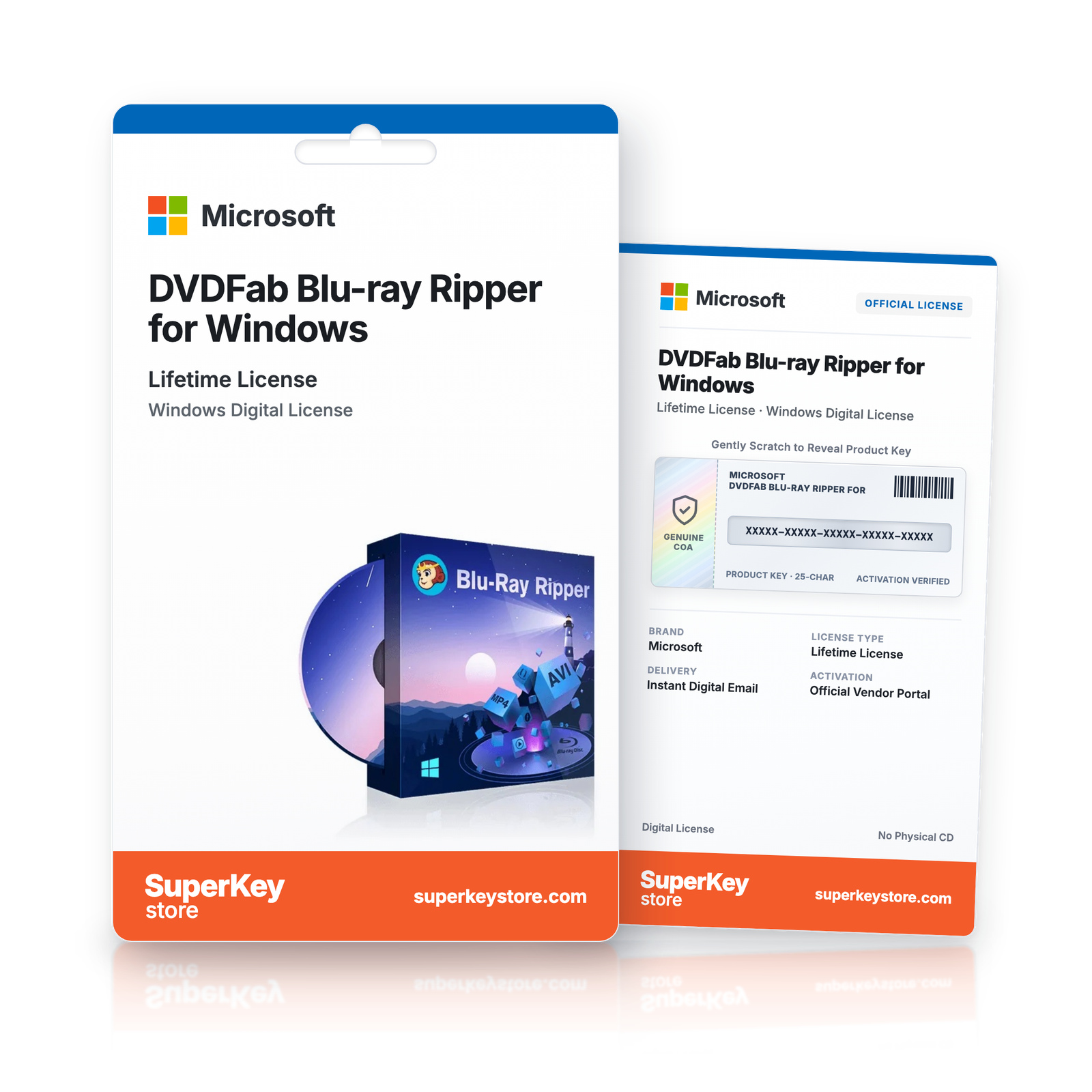
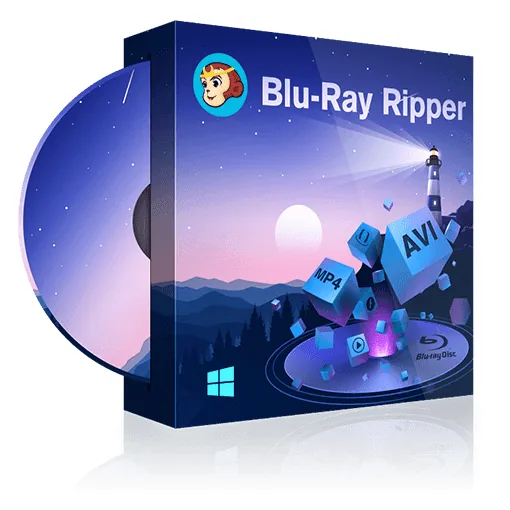

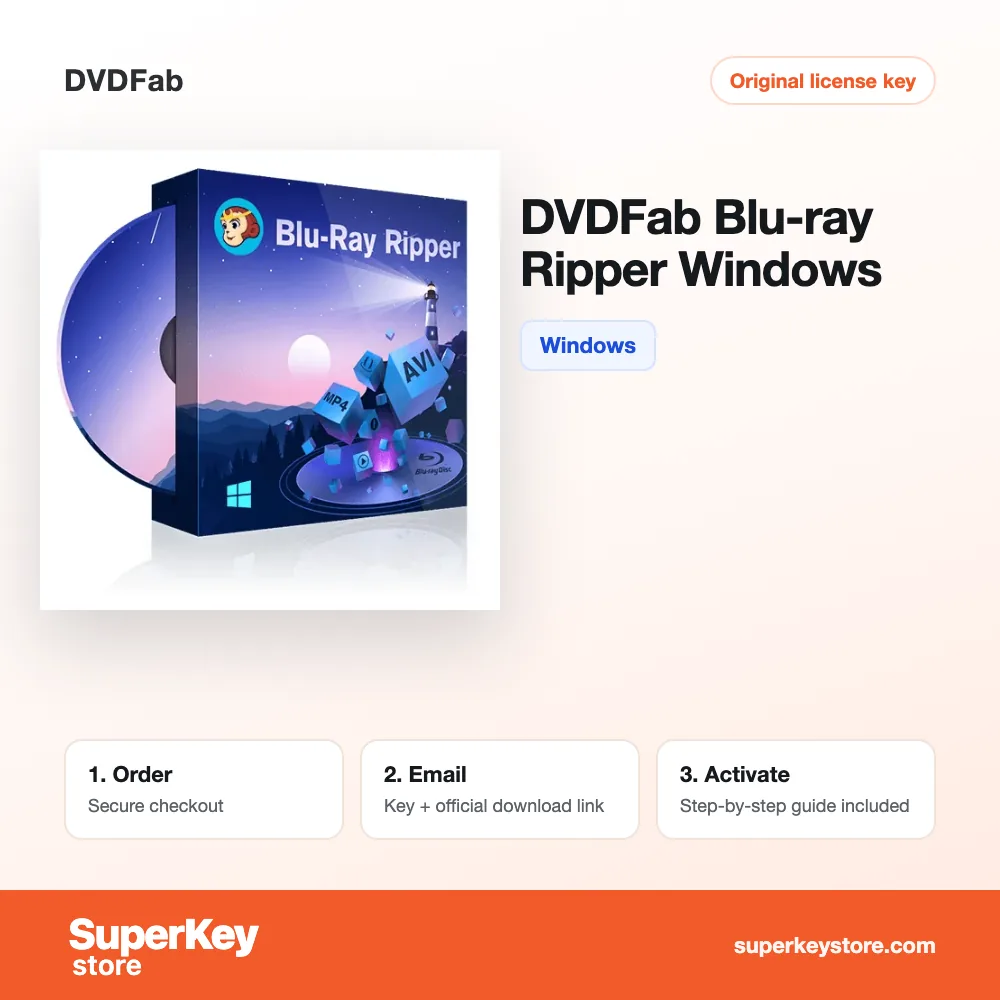
DVDFab Blu-ray Ripper for Windows
€78.98
Lees vóór je aankoop deze belangrijke informatie
In stock
Delivered by email, usually within minutes of payment
- Verkocht door:
- Regio:
- WERELDWIJD (EER / VK gecontroleerd)
- Licentie:
- Digitale licentie
- Talen:
- Alle talen inbegrepen
- Support:
- WhatsApp: +1 270 523 948610:00–17:00 CET (ma–zo)
Persoonlijk advies
Weet je niet welke licentie je nodig hebt? We helpen particulieren en bedrijven, nog voor je koopt.
Key Features
Buy DVDFab Blu-ray Ripper for Windows License Key on SuperKeyStore: original product key, free technical support and a replacement-or-refund guarantee for faulty keys. Converts Blu-ray discs, ISO files and folders into 2D, 3D, H.265 and 4K video and audio formats for mobile and home theater playback. Delivered by email, usually within minutes of payment.
Buy DVDFab Blu-ray Ripper for Windows
You get a DVDFab Blu-ray Ripper for Windows license key, the download link and activation steps by email. DVDFab Blu-ray Ripper for Windows is a Windows program from DVDFab that converts 2D and 3D Blu-ray discs, ISO files and folders into common video and audio formats for other devices. No box or DVD is shipped.
| Detail | Value |
|---|---|
| Product | DVDFab Blu-ray Ripper for Windows |
| Developer | DVDFab |
| Category | Video & Music Software |
| Platform | Windows |
| Delivery | License key and download link by email |
What does DVDFab Blu-ray Ripper do?
DVDFab Blu-ray Ripper converts Blu-ray content into common video and audio files. It reads Blu-ray discs, ISO images and Blu-ray folders. The output plays on smartphones, tablets, media servers and home theater systems. This version runs on Windows.
What are the main features of DVDFab Blu-ray Ripper?
The program supports 2D and 3D sources and modern video codecs. Its main features are:
- Format conversion: converts Blu-ray content into mainstream video and audio formats.
- 2D and 3D output: creates 2D or 3D video from 2D or 3D Blu-rays.
- H.265 (HEVC): produces compact files for mobile devices.
- Passthrough and 4K: keeps original audio and supports high resolutions.
- Metadata: names TV episodes with title, season and episode number for media servers.
- Device profiles: uses ready settings for common players.
Which add-ons work with DVDFab Blu-ray Ripper?
Two optional DVDFab add-ons extend the ripper, and both are sold separately. Enlarger AI upscales output videos by 300% to 4K. The Cinavia removal solution lets videos play on devices with Cinavia detection, such as the PS3. Neither add-on is part of this product.
What is the difference between DVDFab Blu-ray Ripper and DVD rippers?
DVDFab Blu-ray Ripper handles Blu-ray discs, while DVD rippers process DVDs only. The table compares related products:
| Product | Discs | Platform |
|---|---|---|
| DVDFab Blu-ray Ripper (this product) | Blu-ray | Windows |
| WinX DVD Ripper Platinum | DVD | Windows |
| MacX DVD Ripper Pro | DVD | Mac |
For DVD collections, compare WinX DVD Ripper Platinum Lifetime. More tools are listed in Video & Music Software.
Why buy DVDFab Blu-ray Ripper for Windows from SuperKeyStore?
Buying DVDFab Blu-ray Ripper for Windows at SuperKeyStore includes:
- Original license: an original DVDFab Blu-ray Ripper for Windows license key, activated through DVDFab’s official activation.
- Platform: Windows.
- Email delivery: the license key and the official download link arrive by email, usually within minutes of payment (some orders get a security check of up to 24 hours).
- Free technical support: our team helps by email with installation and activation ([email protected]).
- Replacement or refund: if the key does not work, you get a working key or your money back, as set out in our Refund Policy.
How do you redeem your DVDFab Blu-ray Ripper for Windows key?
You redeem the key in a few steps after the order email arrives. The redemption guide for DVDFab Blu-ray Ripper for Windows is:
- Open your order email, download the software with the official link and enter your license key when asked.
Your key also stays in your order email and under My account.
Download & Activation
- Open the order confirmation email: it contains your product key and the download link.
- Download the software from the official manufacturer's website or the link in your email.
- Install the software and follow the on-screen steps.
- When asked, enter your product key to activate.
- Need help? Email [email protected] with your order number.
FAQ
How fast will I receive my product key?
Your key is sent by email, usually within minutes of payment. Some orders go through a short security check that can take up to 24 hours. Please also check your spam folder.
Is this a lifetime license or a subscription?
This is a one-time purchase. You pay once and can keep using the software without a subscription.
What if my key does not work?
Email us with your order number and a screenshot of the error. If the key is faulty, we send a replacement or refund you in full, as described in our Refund Policy.
Do I receive a physical box or DVD?
No. All our products are digital: you receive the product key and download instructions by email.
More questions? See our FAQ, Refund Policy or contact us.
- Free supportBy email
- Instant deliveryKey in minutes
- Secure paymentsEncrypted checkout
- Genuine licensesOfficial activation
- Working-key guaranteeReplacement or refund
Chosen for you
View all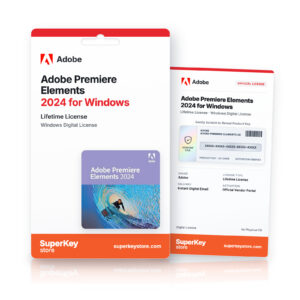 Adobe Premiere Elements 2024 for Windows€89.98+ Add
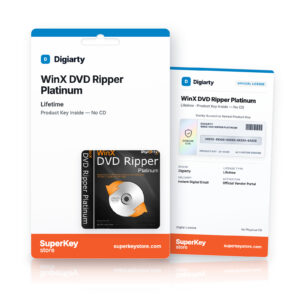 WinX DVD Ripper Platinum (Lifetime) Původní cena byla: €62.98.€44.98Aktuální cena je: €44.98.+ Add
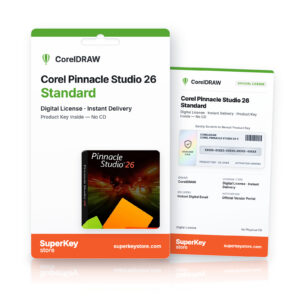 Corel Pinnacle Studio 26 Standard Původní cena byla: €33.98.€22.98Aktuální cena je: €22.98.+ Add
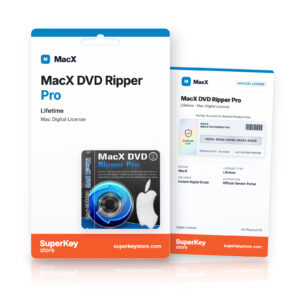 MacX DVD Ripper Pro (Lifetime)€44.98+ Add
 Audials One 2023€26.98+ Add
Recenze
Zatím zde nejsou žádné recenze.