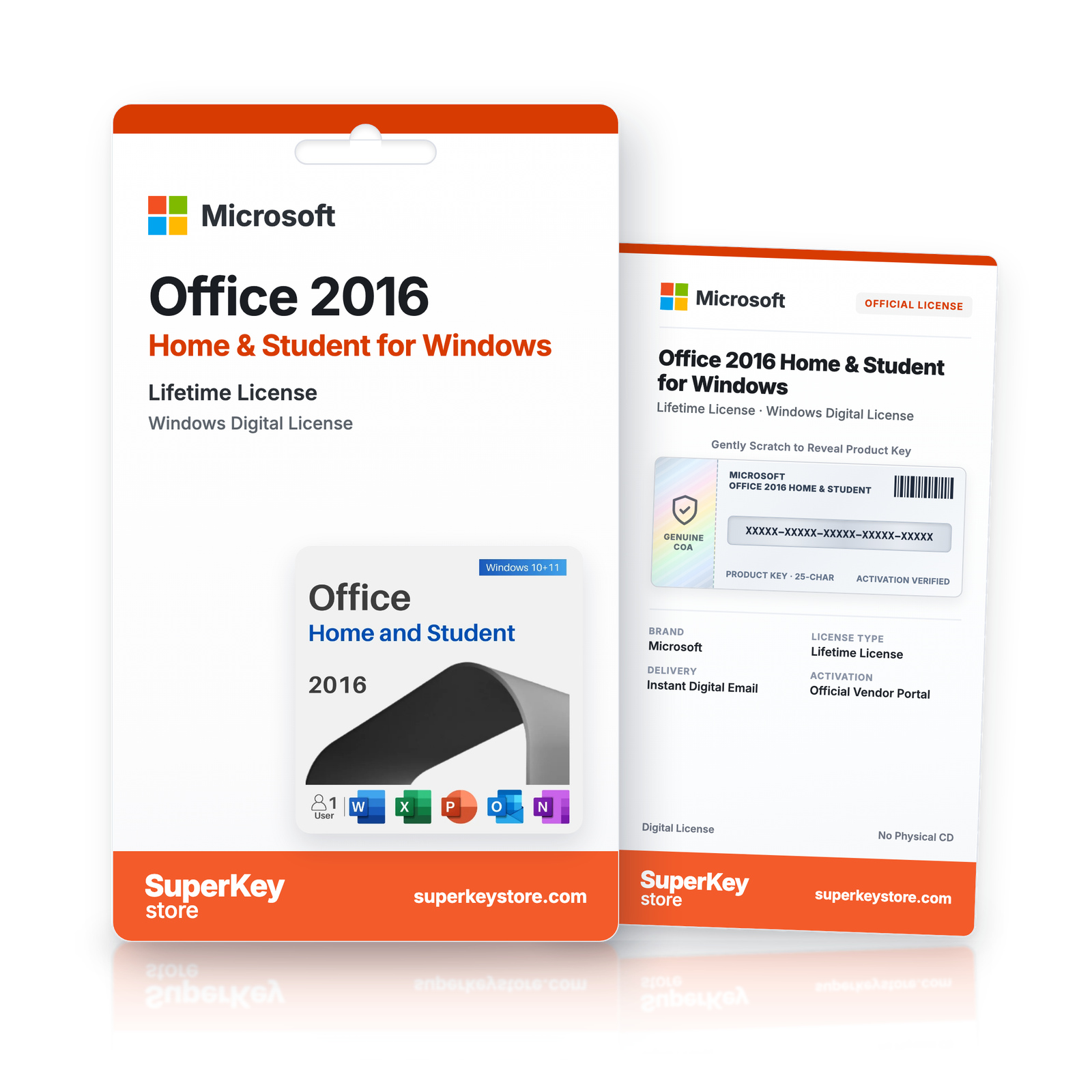
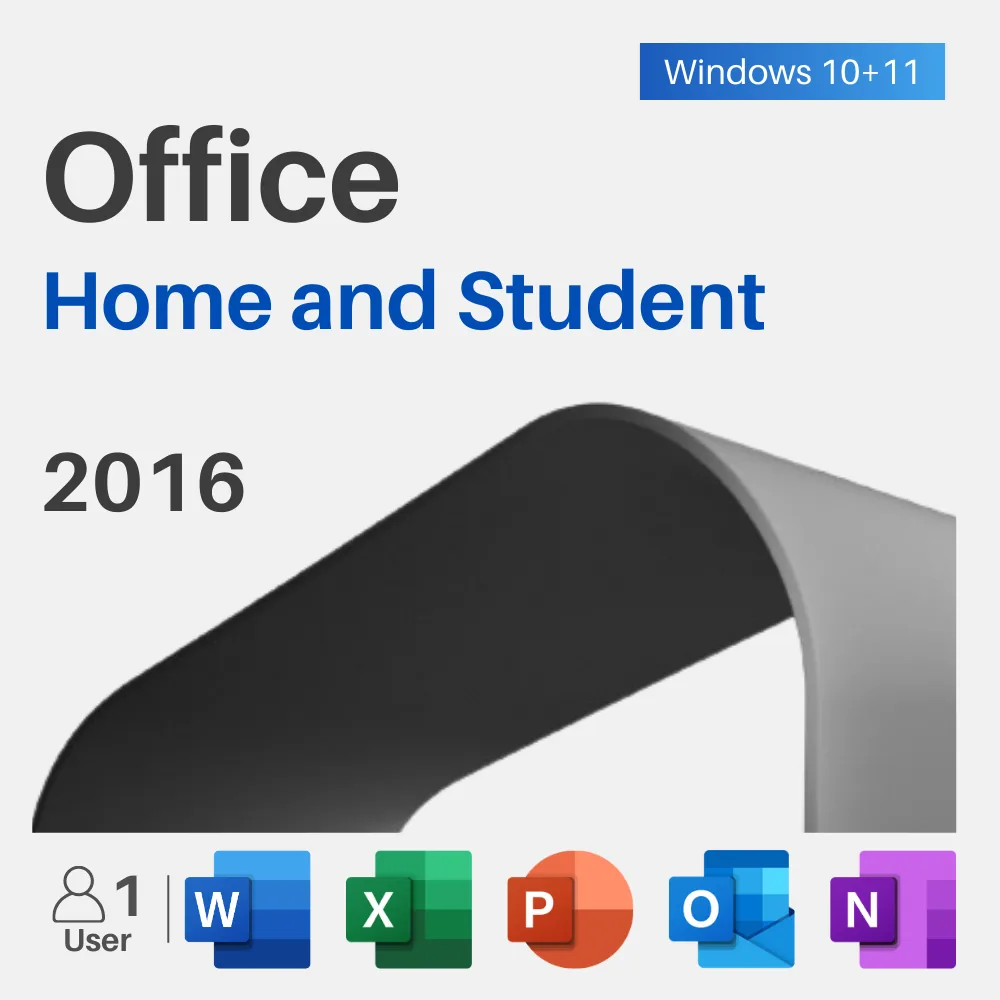

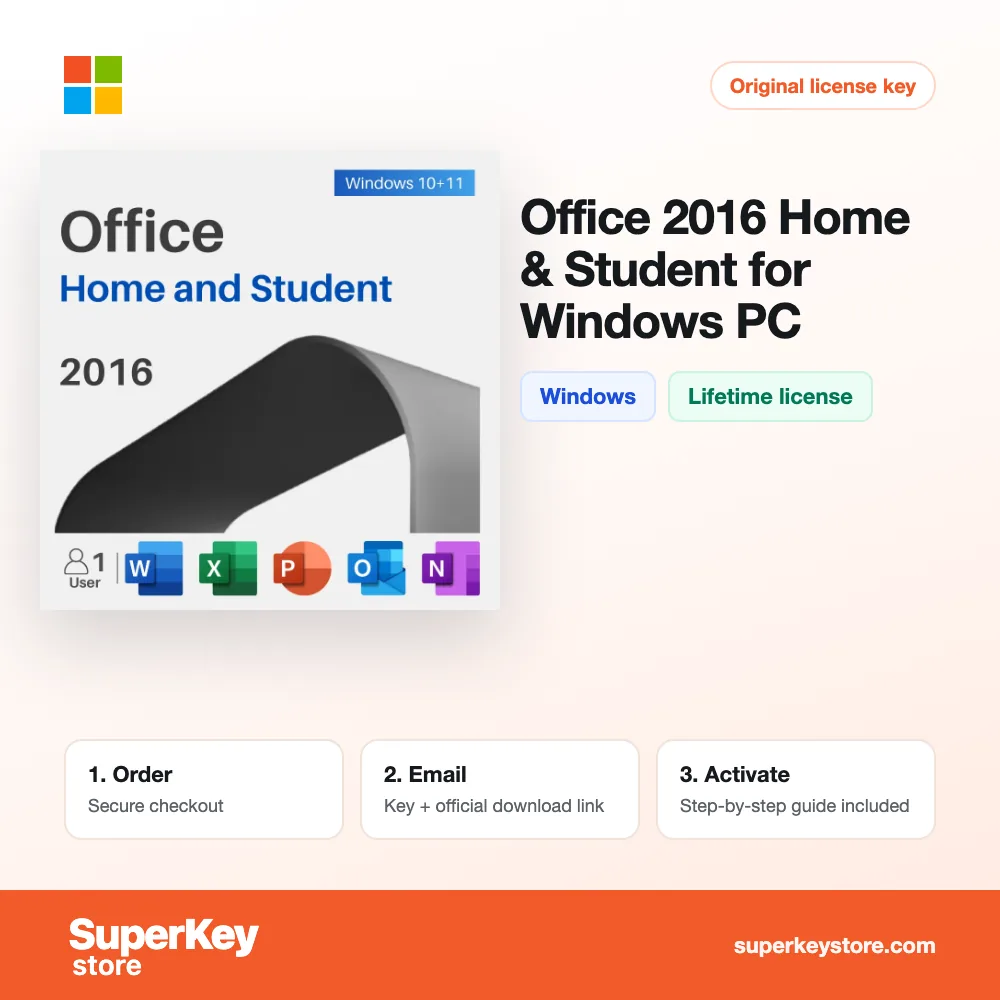
Microsoft Office 2016 Home & Student for Windows
732 Kč
Lees vóór je aankoop deze belangrijke informatie
In stock
Delivered by email, usually within minutes of payment
- Verkocht door:
- Regio:
- WERELDWIJD (EER / VK gecontroleerd)
- Licentie:
- Eeuwigdurende digitale licentie (EU-richtlijn 2009/24/EG)
- Talen:
- Alle talen inbegrepen
- Support:
- WhatsApp: +1 270 523 948610:00–17:00 CET (ma–zo)
Persoonlijk advies
Weet je niet welke licentie je nodig hebt? We helpen particulieren en bedrijven, nog voor je koopt.
Key Features
Buy Microsoft Office 2016 Home & Student for Windows License Key on SuperKeyStore: original product key, free technical support and a replacement-or-refund guarantee for faulty keys. Word, Excel, PowerPoint and OneNote 2016 for one Windows PC, paid once without a subscription. Delivered by email, usually within minutes of payment.
Buy Microsoft Office 2016 Home & Student for Windows
You get an Microsoft Office 2016 Home & Student for Windows license key (one-time purchase), the download link and activation steps by email. Microsoft Office 2016 Home & Student for Windows is a one-time-purchase edition of Microsoft Office 2016 for Windows that contains Word, Excel, PowerPoint and OneNote for home and study use. No box or DVD is shipped.
| Detail | Value |
|---|---|
| Product | Microsoft Office 2016 Home & Student for Windows |
| Developer | Microsoft |
| Category | Office 2016 |
| Platform | Windows |
| License | Lifetime (one-time purchase) |
| Delivery | License key and download link by email |
Which apps are included in Office 2016 Home & Student?
Office 2016 Home & Student includes four desktop applications. It is the smallest Office 2016 edition and focuses on the core tools:
- Word 2016: writes and formats letters, essays and theses.
- Excel 2016: calculates budgets, lists and charts in spreadsheets.
- PowerPoint 2016: builds slide presentations.
- OneNote 2016: collects notes, drawings and clippings in digital notebooks.
Outlook, Access and Publisher are not part of this edition.
Who should use Office 2016 Home & Student?
The edition is made for students, families and private users. Typical tasks include:
- Study work: semester papers, final theses and university presentations.
- Creative projects: personal invitations and greeting cards.
- Household planning: memos, to-do lists and a household budget book.
- Club work: presentations for clubs, volunteer groups and public events.
What is the difference between Home & Student and Home & Business 2016?
Home & Business adds Outlook and allows commercial use, while Home & Student is for private use. The table compares the Windows editions:
| Edition | Apps | Use |
|---|---|---|
| Home & Student 2016 | Word, Excel, PowerPoint, OneNote | Private and study |
| Home & Business 2016 | Same apps plus Outlook | Private and business |
If you need email and calendars, choose Office Home and Business 2016 for Windows.
Which systems does Office 2016 Home & Student support?
This version runs on Windows PCs. Mac users need the separate Mac edition of Home and Student 2016. You pay once and keep the apps without a monthly fee. All editions are listed in the Office 2016 category.
Why buy Microsoft Office 2016 Home & Student for Windows from SuperKeyStore?
Buying Microsoft Office 2016 Home & Student for Windows at SuperKeyStore includes:
- Original license: an original Microsoft Office 2016 Home & Student for Windows license key, activated through Microsoft’s official activation.
- One-time purchase: pay once and keep using Microsoft Office 2016 Home & Student for Windows. No subscription like Microsoft 365.
- Platform: Windows.
- Email delivery: the license key and the official download link arrive by email, usually within minutes of payment (some orders get a security check of up to 24 hours).
- Free technical support: our team helps by email with installation and activation ([email protected]).
- Replacement or refund: if the key does not work, you get a working key or your money back, as set out in our Refund Policy.
How do you redeem your Microsoft Office 2016 Home & Student for Windows key?
You redeem the key in a few steps after the order email arrives. The redemption guide for Microsoft Office 2016 Home & Student for Windows is:
- Uninstall any other Microsoft Office or Microsoft 365 version from the PC and restart.
- Download the installer with the official link in your order email (64-bit is recommended).
- Run Setup and wait for the installation to finish.
- Open Word or Excel and choose I have a product key, or go to File > Account > Change Product Key.
- Enter your 25-character key: the apps activate online within seconds.
Your key also stays in your order email and under My account.
Download & Activation
- Open the order confirmation email: it contains your product key and the download link.
- Download the software from the official manufacturer's website or the link in your email.
- Install the software and follow the on-screen steps.
- When asked, enter your product key to activate.
- Need help? Email [email protected] with your order number.
FAQ
How fast will I receive my product key?
Your key is sent by email, usually within minutes of payment. Some orders go through a short security check that can take up to 24 hours. Please also check your spam folder.
Is this a lifetime license or a subscription?
This is a one-time purchase. You pay once and can keep using the software without a subscription.
What if my key does not work?
Email us with your order number and a screenshot of the error. If the key is faulty, we send a replacement or refund you in full, as described in our Refund Policy.
Do I receive a physical box or DVD?
No. All our products are digital: you receive the product key and download instructions by email.
More questions? See our FAQ, Refund Policy or contact us.
- Free supportBy email
- Instant deliveryKey in minutes
- Secure paymentsEncrypted checkout
- Genuine licensesOfficial activation
- Working-key guaranteeReplacement or refund
Chosen for you
View all Microsoft Office 2016 Home & Business for Mac732 Kč+ Add
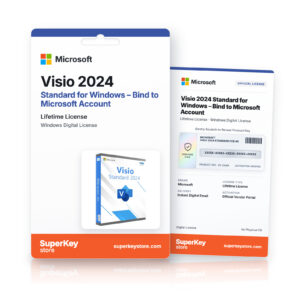 Microsoft Visio 2024 Standard for Windows – Bind to Microsoft Account Původní cena byla: 134 Kč.101 KčAktuální cena je: 101 Kč.+ Add
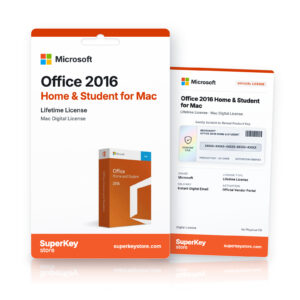 Microsoft Office 2016 Home & Student for Mac1 000 Kč+ Add
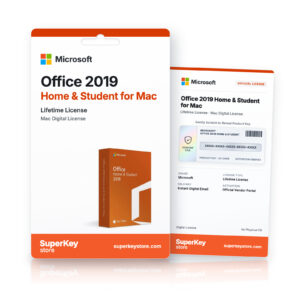 Microsoft Office 2019 Home & Student for Mac1 586 Kč+ Add
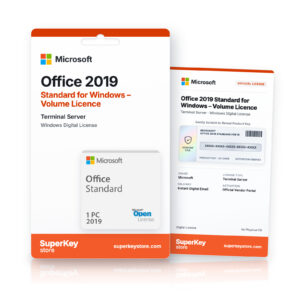 Microsoft Office 2019 Standard for Windows – Volume Licence (Terminal Server)123 Kč+ Add
Recenze
Zatím zde nejsou žádné recenze.