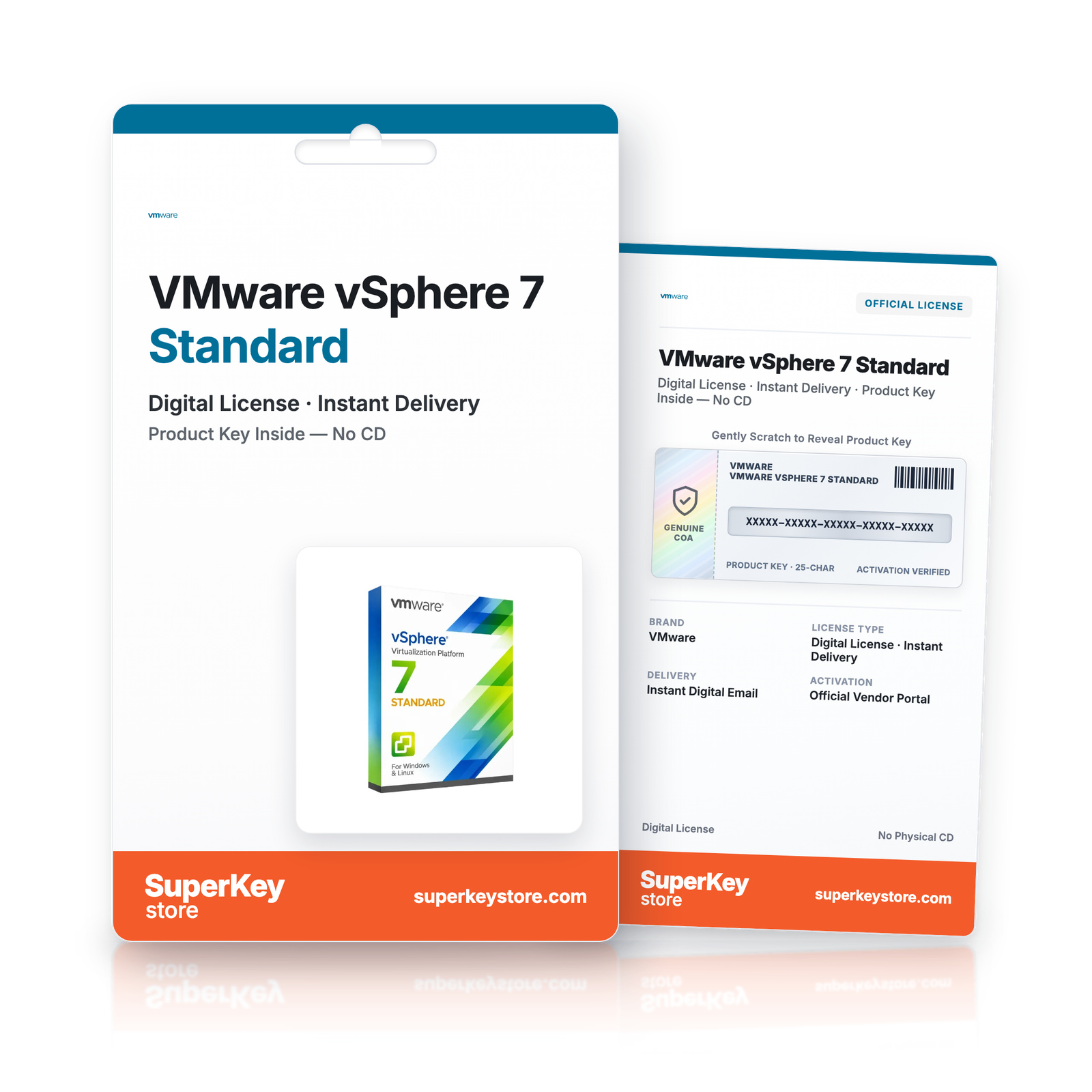
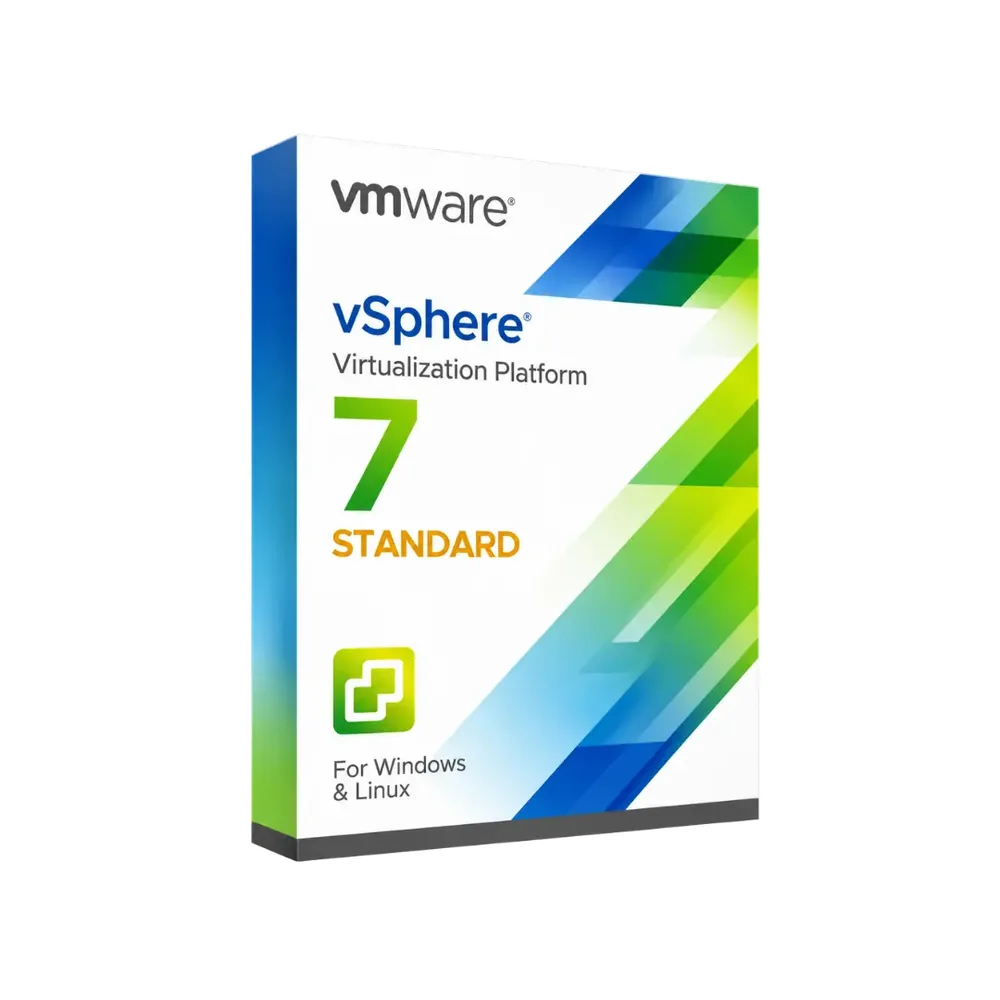

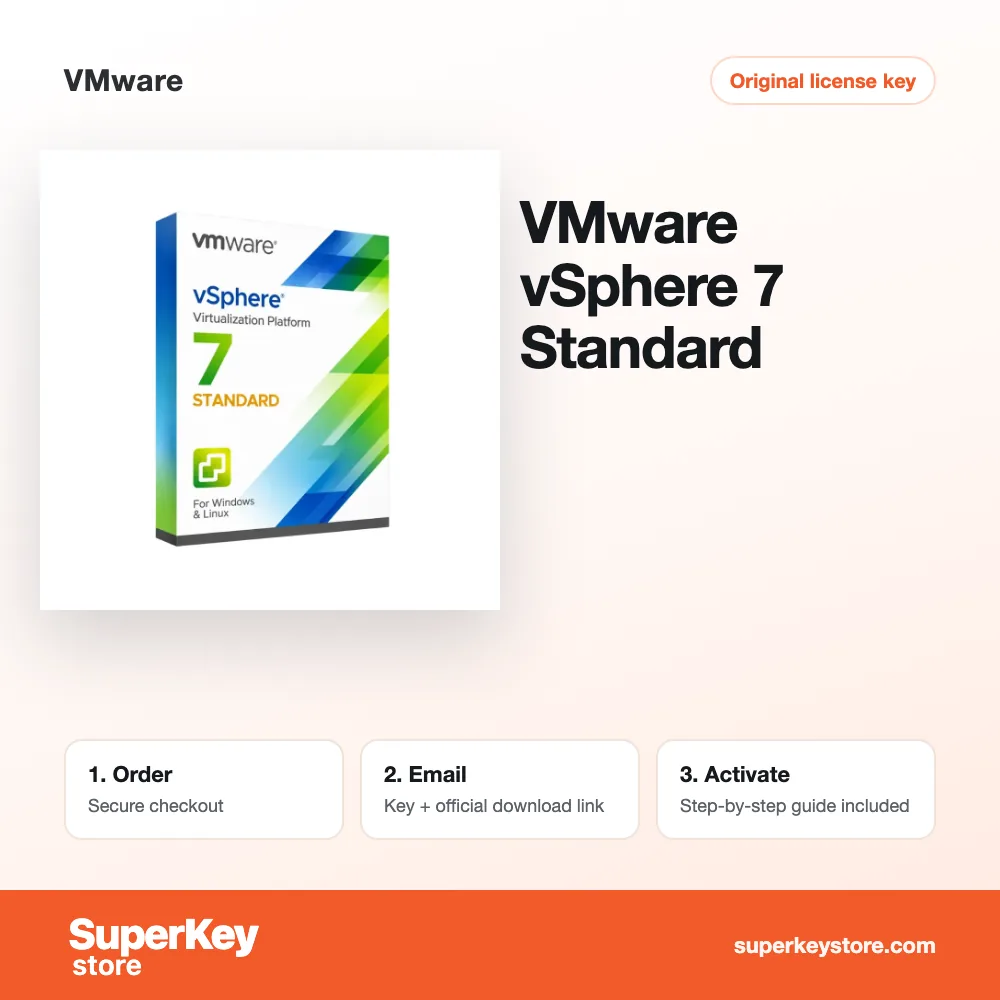
VMware vSphere 7 Standard
28 Kč 39 Kč
Lees vóór je aankoop deze belangrijke informatie
Delivered by email, usually within minutes of payment
- Verkocht door:
- Regio:
- WERELDWIJD (EER / VK gecontroleerd)
- Licentie:
- Digitale licentie
- Talen:
- Alle talen inbegrepen
- Support:
- WhatsApp: +1 270 523 948610:00–17:00 CET (ma–zo)
Persoonlijk advies
Weet je niet welke licentie je nodig hebt? We helpen particulieren en bedrijven, nog voor je koopt.
Key Features
Buy VMware vSphere 7 Standard License Key on SuperKeyStore: original product key, free technical support and a replacement-or-refund guarantee for faulty keys. Consolidate server workloads on ESXi 7.0 hosts, move running VMs with vMotion and restart them automatically with High Availability. Delivered by email, usually within minutes of payment.
Buy VMware vSphere 7 Standard
You get a VMware vSphere 7 Standard license key, the download link and activation steps by email. VMware vSphere 7 Standard is the Standard edition of VMware’s vSphere 7 server virtualization platform for running and managing virtual machines on VMware ESXi 7.0 hosts. No box or DVD is shipped.
| Detail | Value |
|---|---|
| Product | VMware vSphere 7 Standard |
| Developer | VMware |
| Category | Virtualization |
| Delivery | License key and download link by email |
What does VMware vSphere 7 Standard do?
VMware vSphere 7 Standard runs several virtual machines on each physical server. It uses the VMware ESXi 7.0 hypervisor. Businesses combine many workloads on fewer machines, which lowers hardware and energy costs. The license is available for 1, 5 or 10 devices.
What are the main features of vSphere 7 Standard?
vSphere 7 Standard offers the core tools for stable server virtualization. These are the key features:
- ESXi 7.0: the hypervisor that hosts the virtual machines.
- vMotion: moves running virtual machines to another host without interruption.
- High Availability: restarts affected virtual machines when a host fails.
- Storage vMotion: relocates virtual disks while the machine keeps running.
- Resource control: assigns CPU, memory and storage to each virtual machine.
When should you choose vSphere 7 instead of vSphere 8?
Choose vSphere 7 when your servers already run ESXi 7.0 or your hardware is not supported by ESXi 8.0. Older servers and existing installations often stay on version 7. New projects on current hardware usually use VMware vSphere 8 Standard, which runs on ESXi 8.0.
Which license size do you need?
The license size depends on how many devices you want to cover. The options are:
| Option | Typical use |
|---|---|
| 1 device | A single host in a small office |
| 5 devices | A small cluster |
| 10 devices | A larger environment with several hosts |
Other virtualization software is listed in the Virtualization category.
Why buy VMware vSphere 7 Standard from SuperKeyStore?
Buying VMware vSphere 7 Standard at SuperKeyStore includes:
- Original license: an original VMware vSphere 7 Standard license key, activated through VMware’s official activation.
- Email delivery: the license key and the official download link arrive by email, usually within minutes of payment (some orders get a security check of up to 24 hours).
- Free technical support: our team helps by email with installation and activation ([email protected]).
- Replacement or refund: if the key does not work, you get a working key or your money back, as set out in our Refund Policy.
How do you redeem your VMware vSphere 7 Standard key?
You redeem the key in a few steps after the order email arrives. The redemption guide for VMware vSphere 7 Standard is:
- Download VMware Workstation Pro with the official link in your order email.
- Run the installer on your Windows PC.
- Enter your license key during installation, or later under Help > Enter a License Key.
Your key also stays in your order email and under My account.
Download & Activation
- Open the order confirmation email: it contains your product key and the download link.
- Download the software from the official manufacturer's website or the link in your email.
- Install the software and follow the on-screen steps.
- When asked, enter your product key to activate.
- Need help? Email [email protected] with your order number.
FAQ
How fast will I receive my product key?
Your key is sent by email, usually within minutes of payment. Some orders go through a short security check that can take up to 24 hours. Please also check your spam folder.
Is this a lifetime license or a subscription?
This is a one-time purchase. You pay once and can keep using the software without a subscription.
What if my key does not work?
Email us with your order number and a screenshot of the error. If the key is faulty, we send a replacement or refund you in full, as described in our Refund Policy.
Do I receive a physical box or DVD?
No. All our products are digital: you receive the product key and download instructions by email.
More questions? See our FAQ, Refund Policy or contact us.
- Free supportBy email
- Instant deliveryKey in minutes
- Secure paymentsEncrypted checkout
- Genuine licensesOfficial activation
- Working-key guaranteeReplacement or refund
Chosen for you
View all Parallels Desktop 27 Pro for Mac Původní cena byla: 168 Kč.123 KčAktuální cena je: 123 Kč.+ Add
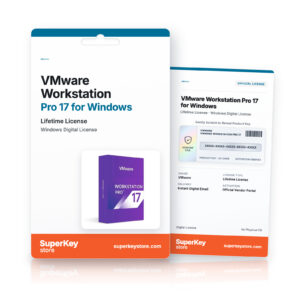 VMware Workstation Pro 17 for Windows2 293 Kč+ Add
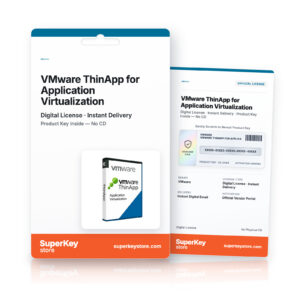 VMware ThinApp for Application Virtualization Původní cena byla: 67 Kč.44 KčAktuální cena je: 44 Kč.+ Add
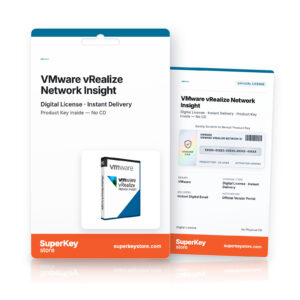 VMware vRealize Network Insight34 Kč+ Add
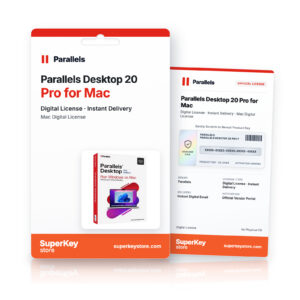 Parallels Desktop 20 Pro for Mac Původní cena byla: 179 Kč.112 KčAktuální cena je: 112 Kč.+ Add
Recenze
Zatím zde nejsou žádné recenze.