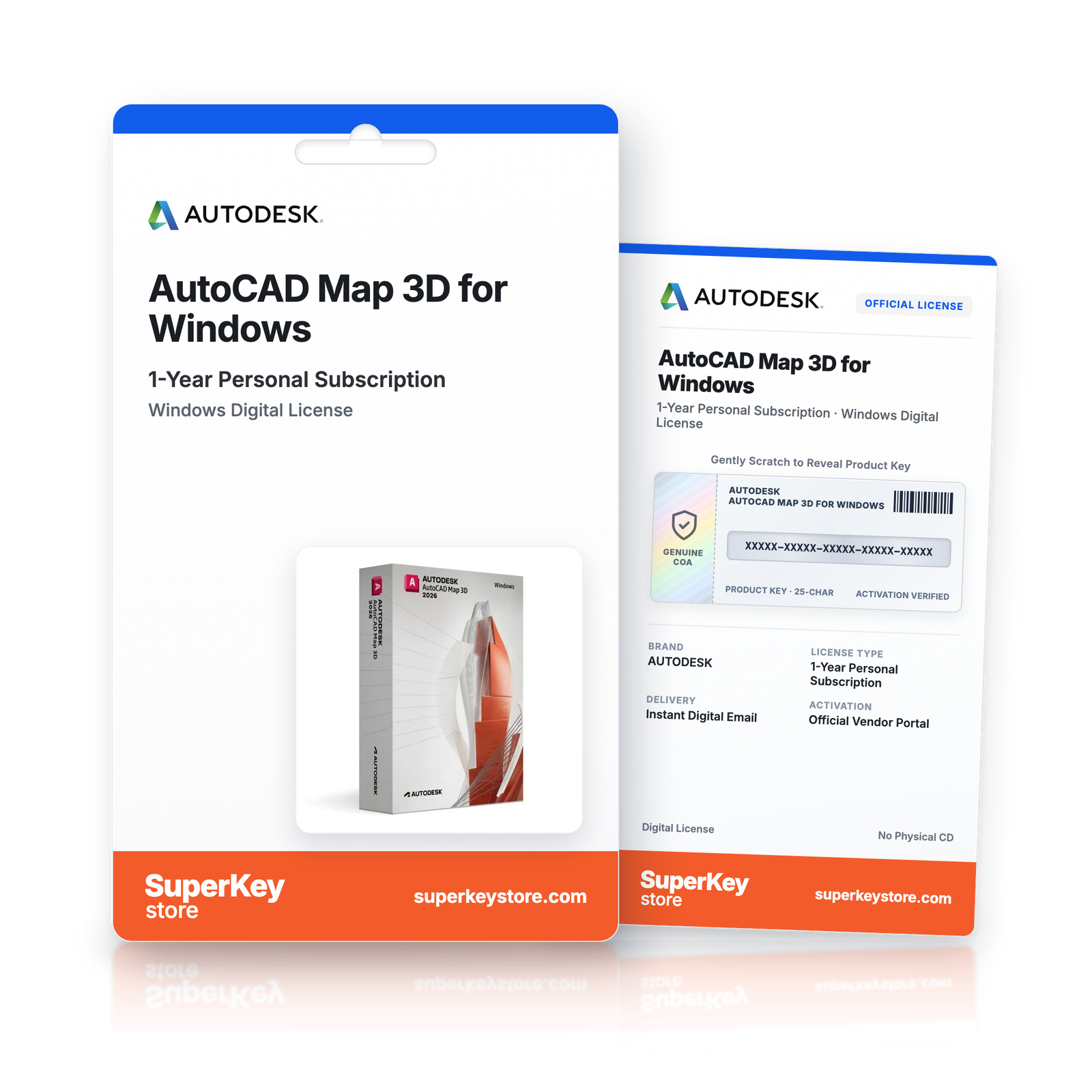
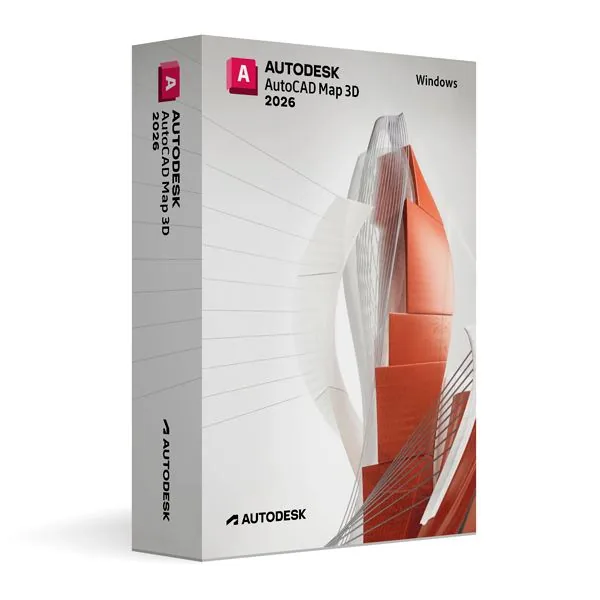

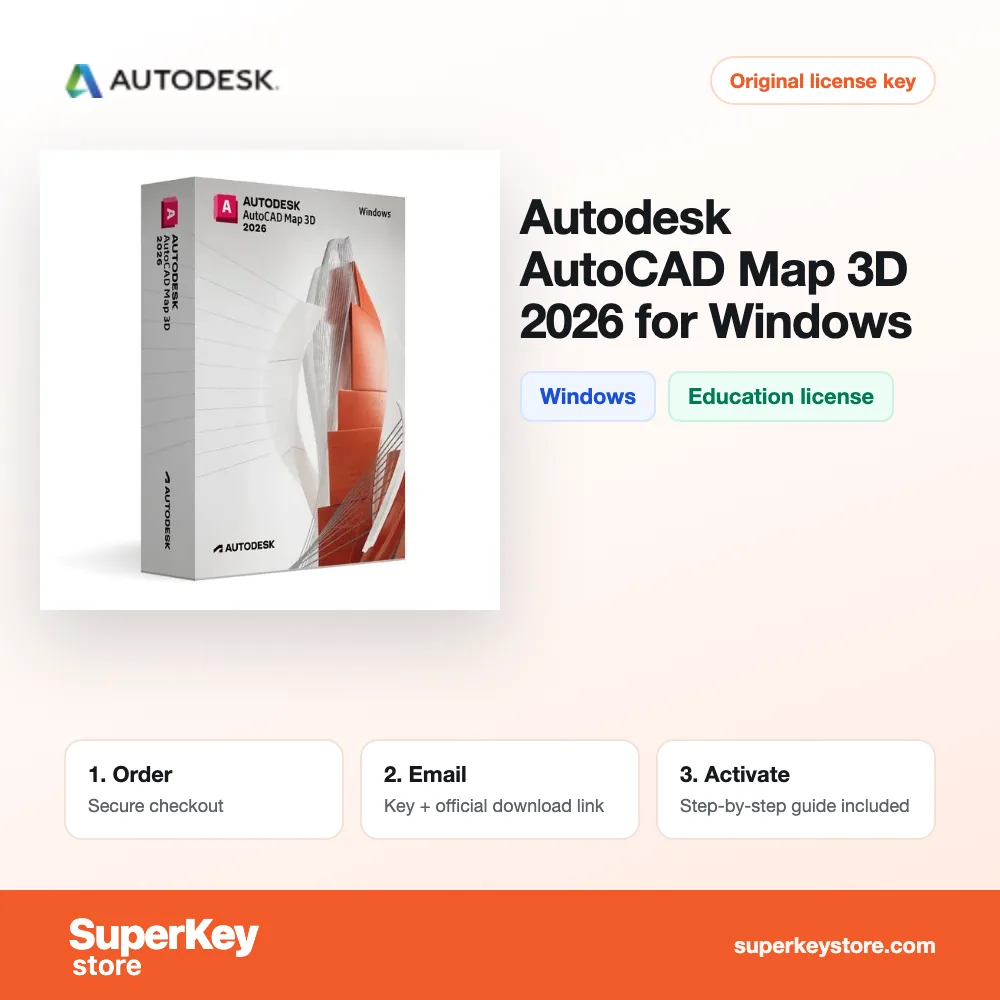
Autodesk AutoCAD Map 3D for Windows (1-Year Personal Subscription)
€66.98 €160.98
Lees vóór je aankoop deze belangrijke informatie
Delivered by email, usually within minutes of payment
- Verkocht door:
- Regio:
- WERELDWIJD (EER / VK gecontroleerd)
- Licentie:
- Education-licentie (1 jaar, niet-commercieel gebruik)
- Talen:
- Alle talen inbegrepen
- Support:
- WhatsApp: +1 270 523 948610:00–17:00 CET (ma–zo)
Persoonlijk advies
Weet je niet welke licentie je nodig hebt? We helpen particulieren en bedrijven, nog voor je koopt.
Key Features
Buy Autodesk AutoCAD Map 3D for Windows License Key on SuperKeyStore: original product key, free technical support and a replacement-or-refund guarantee for faulty keys. Combine CAD drawings with GIS data, connect to spatial databases and create, analyze and maintain maps inside AutoCAD. Delivered by email, usually within minutes of payment.
Buy Autodesk AutoCAD Map 3D for Windows
You get an Autodesk AutoCAD Map 3D for Windows license key, the download link and activation steps by email. Autodesk AutoCAD Map 3D for Windows is the release of Autodesk’s AutoCAD-based mapping and GIS software for Windows, licensed for personal, non-commercial and educational use. No box or DVD is shipped.
| Detail | Value |
|---|---|
| Product | Autodesk AutoCAD Map 3D for Windows |
| Developer | Autodesk |
| Category | AutoCAD |
| Platform | Windows |
| Versions | 2024, 2025, 2026, 2027 (choose the year above) |
| Licence | 1-year personal subscription (non-commercial) |
| Delivery | License key and download link by email |
What does AutoCAD Map 3D do?
AutoCAD Map 3D combines CAD drawings and GIS data in one AutoCAD environment. GIS (geographic information system) data describes real places, such as roads, parcels and pipes. Map 3D lets you create, edit and analyze this data next to your design drawings. This edition runs on Windows and has an educational license for personal and non-commercial use.
What are the main features of AutoCAD Map 3D?
The main features cover data access, editing and spatial analysis. The software offers these tools:
- Data connections: link directly to spatial databases, GIS servers and other external sources.
- Format support: reads and writes many geospatial formats, such as shapefiles and raster images.
- Overlay: places CAD drawings on top of GIS layers in one map.
- Topology: manages connections between lines, nodes and areas.
- Data validation: finds errors in geometry and attributes.
- Thematic maps: colors features by their data values for clear presentation.
Who should use AutoCAD Map 3D?
It suits students and learners in urban planning, infrastructure and environmental design. Typical projects are utility networks, land use plans and road planning. The familiar AutoCAD interface makes the step from drafting to GIS easier.
How does Map 3D differ from other Map 3D versions?
The versions share the same core tools but belong to different release years. Each year adds smaller improvements to performance and data handling. The table lists the Windows releases:
| Release | Platform |
|---|---|
| AutoCAD Map 3D | Windows |
| AutoCAD Map 3D | Windows |
| AutoCAD Map 3D | Windows |
Users who want the newest release can choose Autodesk AutoCAD Map 3D for Windows.
Why buy Autodesk AutoCAD Map 3D for Windows from SuperKeyStore?
Buying Autodesk AutoCAD Map 3D for Windows at SuperKeyStore includes:
- Licence term: a 1-year personal subscription for learning, teaching and non-commercial projects.
- Original license: an original Autodesk AutoCAD Map 3D for Windows license key, activated through Autodesk’s official activation.
- Education license: for students and teachers, for personal and non-commercial use.
- Platform: Windows.
- Email delivery: the license key and the official download link arrive by email, usually within minutes of payment (some orders get a security check of up to 24 hours).
- Free technical support: our team helps by email with installation and activation ([email protected]).
- Replacement or refund: if the key does not work, you get a working key or your money back, as set out in our Refund Policy.
How do you redeem your Autodesk AutoCAD Map 3D for Windows key?
You redeem the key in a few steps after the order email arrives. The redemption guide for Autodesk AutoCAD Map 3D for Windows is:
- Open your order email: it contains your license details and the instructions for your Autodesk account.
- Sign in to (or create) your free Autodesk account at accounts.autodesk.com as described in the email.
- Download AutoCAD Map 3D from your Autodesk account (Products and Services) or with the official link in your email.
- Run the installer, then start AutoCAD Map 3D and sign in with the same Autodesk account to activate it.
Your key also stays in your order email and under My account.
Download & Activation
- Open the order confirmation email: it contains your product key and the download link.
- Download the software from the official manufacturer's website or the link in your email.
- Install the software and follow the on-screen steps.
- When asked, enter your product key to activate.
- Need help? Email [email protected] with your order number.
FAQ
How fast will I receive my product key?
Your key is sent by email, usually within minutes of payment. Some orders go through a short security check that can take up to 24 hours. Please also check your spam folder.
Is this a lifetime license or a subscription?
This is a one-time purchase. You pay once and can keep using the software without a subscription.
What if my key does not work?
Email us with your order number and a screenshot of the error. If the key is faulty, we send a replacement or refund you in full, as described in our Refund Policy.
Do I receive a physical box or DVD?
No. All our products are digital: you receive the product key and download instructions by email.
More questions? See our FAQ, Refund Policy or contact us.
- Free supportBy email
- Instant deliveryKey in minutes
- Secure paymentsEncrypted checkout
- Genuine licensesOfficial activation
- Working-key guaranteeReplacement or refund
Chosen for you
View all Autodesk AutoCAD Raster Design for Windows (1-Year Personal Subscription)€66.98 €160.98+ Add
 Autodesk BIM Collaborate Pro Commercial for Mac (1-Year Commercial Subscription)€349.98+ Add
 Autodesk AutoCAD MEP for Windows (1-Year Personal Subscription)€66.98 €160.98+ Add
 Autodesk Mudbox for Mac (1-Year Personal Subscription)€66.98 €160.98+ Add
 Autodesk Navisworks Manage for Windows (1-Year Personal Subscription)€66.98 €147.98+ Add
Recenze
Zatím zde nejsou žádné recenze.