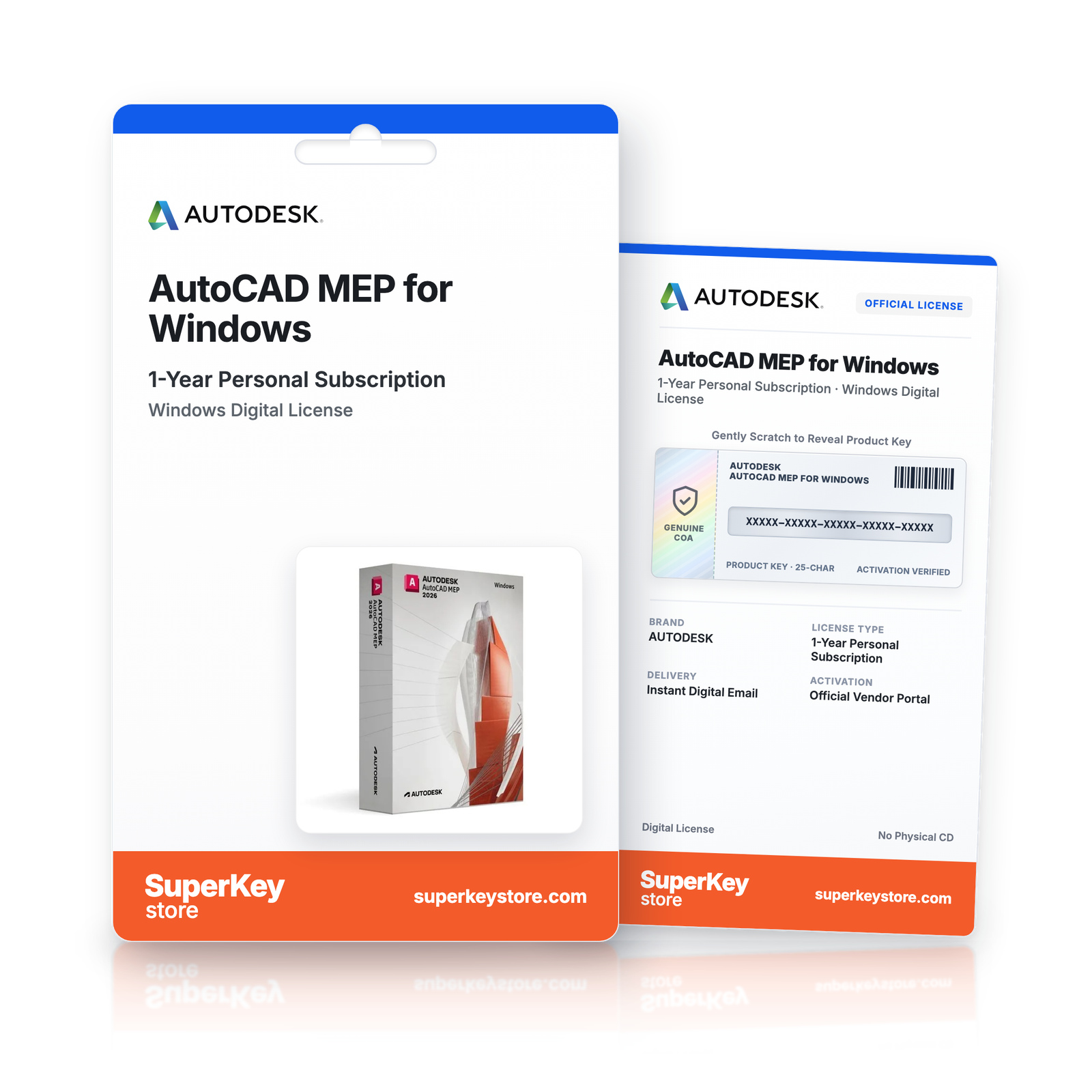
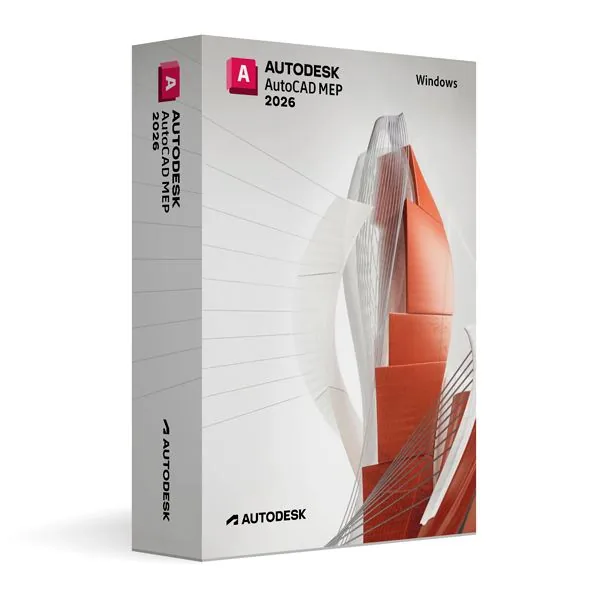

Autodesk AutoCAD MEP for Windows (1-Year Personal Subscription)
€66.98 €160.98
Lees vóór je aankoop deze belangrijke informatie
Delivered by email, usually within minutes of payment
- Verkocht door:
- Regio:
- WERELDWIJD (EER / VK gecontroleerd)
- Licentie:
- Education-licentie (1 jaar, niet-commercieel gebruik)
- Talen:
- Alle talen inbegrepen
- Support:
- WhatsApp: +1 270 523 948610:00–17:00 CET (ma–zo)
Persoonlijk advies
Weet je niet welke licentie je nodig hebt? We helpen particulieren en bedrijven, nog voor je koopt.
Key Features
Buy Autodesk AutoCAD MEP for Windows License Key on SuperKeyStore: original product key, free technical support and a replacement-or-refund guarantee for faulty keys. AutoCAD drafting plus HVAC, electrical and plumbing tools, MEP object libraries and BIM coordination for Windows, under an educational license. Delivered by email, usually within minutes of payment.
Buy Autodesk AutoCAD MEP for Windows
You get an Autodesk AutoCAD MEP for Windows license key, the download link and activation steps by email. Autodesk AutoCAD MEP for Windows is an educational license of the AutoCAD toolset for mechanical, electrical and plumbing design on Windows, used to draft HVAC, electrical and piping systems in buildings. No box or DVD is shipped.
| Detail | Value |
|---|---|
| Product | Autodesk AutoCAD MEP for Windows |
| Developer | Autodesk |
| Category | AutoCAD |
| Platform | Windows |
| Versions | 2024, 2025, 2026, 2027 (choose the year above) |
| Licence | 1-year personal subscription (non-commercial) |
| Delivery | License key and download link by email |
What is AutoCAD MEP?
AutoCAD MEP is a version of AutoCAD with extra tools for mechanical, electrical and plumbing design. It is used to plan building services such as heating, ventilation, wiring and piping. This edition runs on Windows. It is licensed for personal and non-commercial use under an educational license. It has the same features as the commercial version and adds no watermark.
What are the main features of AutoCAD MEP?
The software adds MEP-specific objects and workflows to standard AutoCAD drafting. The main functions are:
- HVAC design: lays out ducts, fittings and air terminals.
- Electrical design: places devices, panels, wires and circuits.
- Plumbing and piping: draws pipe networks with fittings and fixtures.
- MEP libraries: provide parts and symbols based on industry standards.
- 3D models: show building systems in three dimensions for coordination.
- BIM workflows: exchange data with architectural and structural plans.
What is the difference between AutoCAD MEP and AutoCAD?
Standard AutoCAD is a general drafting tool, while AutoCAD MEP adds intelligent objects for building services. In AutoCAD MEP, a duct or pipe is a connected object, not a set of lines. Users who only need general drafting can choose Autodesk AutoCAD for Windows.
| Product | Focus |
|---|---|
| AutoCAD | General 2D and 3D drafting |
| AutoCAD MEP | Mechanical, electrical and plumbing systems |
| AutoCAD Electrical | Electrical control schematics |
Who should use AutoCAD MEP?
It is for students and educators in building services engineering. Learners practice HVAC, electrical and plumbing layouts with professional tools. Teachers can use it for courses on MEP design. Commercial projects need a commercial license. All AutoCAD products are listed in the AutoCAD category.
Why buy Autodesk AutoCAD MEP for Windows from SuperKeyStore?
Buying Autodesk AutoCAD MEP for Windows at SuperKeyStore includes:
- Licence term: a 1-year personal subscription for learning, teaching and non-commercial projects.
- Original license: an original Autodesk AutoCAD MEP for Windows license key, activated through Autodesk’s official activation.
- Education license: for students and teachers, for personal and non-commercial use.
- Platform: Windows.
- Email delivery: the license key and the official download link arrive by email, usually within minutes of payment (some orders get a security check of up to 24 hours).
- Free technical support: our team helps by email with installation and activation ([email protected]).
- Replacement or refund: if the key does not work, you get a working key or your money back, as set out in our Refund Policy.
How do you redeem your Autodesk AutoCAD MEP for Windows key?
You redeem the key in a few steps after the order email arrives. The redemption guide for Autodesk AutoCAD MEP for Windows is:
- Open your order email: it contains your license details and the instructions for your Autodesk account.
- Sign in to (or create) your free Autodesk account at accounts.autodesk.com as described in the email.
- Download AutoCAD MEP from your Autodesk account (Products and Services) or with the official link in your email.
- Run the installer, then start AutoCAD MEP and sign in with the same Autodesk account to activate it.
Your key also stays in your order email and under My account.
Download & Activation
- Open the order confirmation email: it contains your product key and the download link.
- Download the software from the official manufacturer's website or the link in your email.
- Install the software and follow the on-screen steps.
- When asked, enter your product key to activate.
- Need help? Email [email protected] with your order number.
FAQ
How fast will I receive my product key?
Your key is sent by email, usually within minutes of payment. Some orders go through a short security check that can take up to 24 hours. Please also check your spam folder.
Is this a lifetime license or a subscription?
This is a one-time purchase. You pay once and can keep using the software without a subscription.
What if my key does not work?
Email us with your order number and a screenshot of the error. If the key is faulty, we send a replacement or refund you in full, as described in our Refund Policy.
Do I receive a physical box or DVD?
No. All our products are digital: you receive the product key and download instructions by email.
More questions? See our FAQ, Refund Policy or contact us.
- Free supportBy email
- Instant deliveryKey in minutes
- Secure paymentsEncrypted checkout
- Genuine licensesOfficial activation
- Working-key guaranteeReplacement or refund
Chosen for you
View all Autodesk 3ds Max for Windows (1-Year Personal Subscription)€66.98 €160.98+ Add
 Autodesk BIM Collaborate Pro Commercial for Mac (1-Year Commercial Subscription)€349.98+ Add
 Autodesk AutoCAD for Mac (1-Year Personal Subscription)€66.98 €160.98+ Add
 Autodesk AutoCAD Plant 3D for Windows (1-Year Personal Subscription)€66.98 €160.98+ Add
 Autodesk Maya for Windows (1-Year Personal Subscription)€66.98 €160.98+ Add
Recenze
Zatím zde nejsou žádné recenze.